
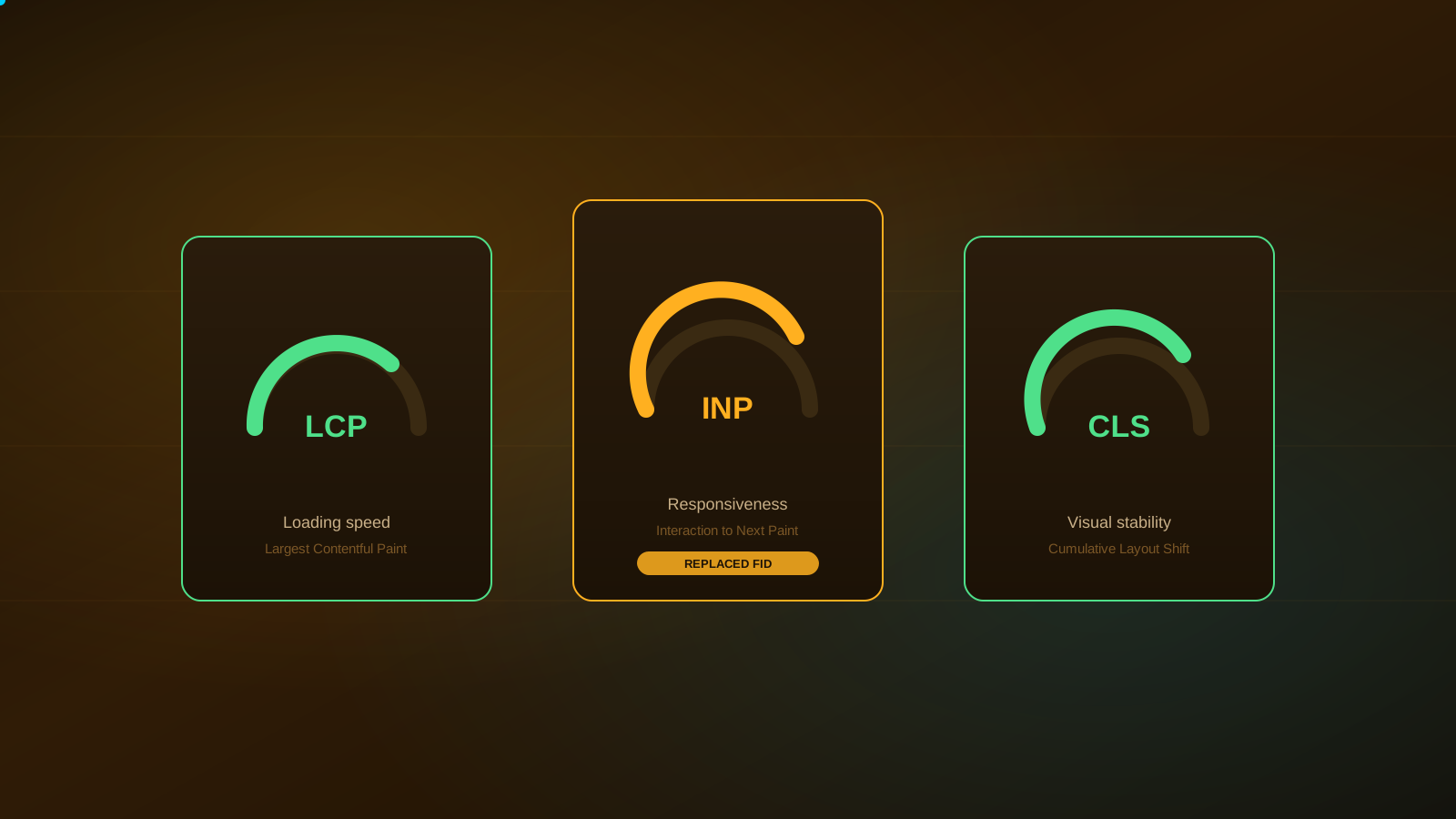
Core Web Vitals are a set of three measurements Google uses to describe how a webpage actually feels to use — how fast the main content appears, how quickly the page responds when someone interacts with it, and how much the layout shifts around while it loads. They're built from real user data, not just a lab test, so they reflect how your site performs for actual visitors on actual devices and connections.
They're a page-experience signal, not a ranking algorithm on their own. Good scores support a better experience and remove friction that can cost you a conversion; they don't override content quality or relevance, and improving them isn't a guaranteed path to higher rankings.
Three metrics — Largest Contentful Paint (LCP) for loading speed, Interaction to Next Paint (INP) for responsiveness, and Cumulative Layout Shift (CLS) for visual stability — that together describe how a page performs for real visitors, used by Google as one input among many in how it evaluates page experience.
The three Core Web Vitals metrics, explained plainly
Largest Contentful Paint (LCP) measures how long it takes for the largest visible piece of content — usually a hero image, a heading, or a large text block — to render. It's the metric closest to "does this page feel like it loaded."
Interaction to Next Paint (INP) measures how quickly the page responds when someone actually interacts with it — clicking a button, tapping a menu, typing into a field. It looks at interactions throughout the entire visit, not just the first one.
Cumulative Layout Shift (CLS) measures how much visible content unexpectedly moves while the page loads — the frustrating experience of trying to tap a button just as an ad or image loads in above it and shifts everything down.
| Metric | Measures | Good threshold |
|---|---|---|
| LCP | Time until the largest content element renders | 2.5 seconds or less |
| INP | Responsiveness to real interactions across the visit | 200 milliseconds or less |
| CLS | Unexpected visual movement during load | 0.1 or less |
INP replaced FID — what that means for your site
Interaction to Next Paint replaced First Input Delay as the official responsiveness metric. FID only measured the delay before a page started responding to the very first interaction; INP measures responsiveness across every interaction during a visit, which gives a more complete picture of how a page actually behaves as someone uses it — not just how it behaves in the first moment. Sites that relied heavily on scripts that block the main thread after the initial load, even if that first interaction was fast, tend to see the difference most clearly under INP.
Core Web Vitals are a user-experience signal, not a ranking guarantee
Google has described page experience signals, including Core Web Vitals, as a relatively modest factor — one that can act more like a tiebreaker between pages that are otherwise similarly relevant, rather than a force that overrides content quality. A page with poor Core Web Vitals and genuinely useful, relevant content can still outrank a fast page with thin or irrelevant content. That doesn't make performance unimportant — slow, unstable pages create real friction that can cost you a visitor's attention and a conversion, which matters regardless of what it does to rankings.
Common causes of poor Core Web Vitals scores
A few patterns show up repeatedly: unoptimized, oversized images that take too long to load; render-blocking JavaScript and CSS that delay the page from becoming usable; third-party scripts — ad tags, chat widgets, tracking pixels, embedded widgets — that add weight and can block the main thread; web fonts that cause text to shift as they swap in; and content, ads, or embeds that load in without reserved space, pushing everything else around as they appear.
How to check your Core Web Vitals
Google Search Console's Core Web Vitals report shows real-user field data grouped by page type, which is the most representative view of how your actual visitors experience the site. PageSpeed Insights and Chrome DevTools give you field data where it's available plus lab data for a specific page — useful for diagnosing exactly what's slowing a particular URL down.
A practical Core Web Vitals checklist
| Metric | Common cause | General fix direction |
|---|---|---|
| LCP | Large, unoptimized hero images or slow server response | Compress and properly size images; review hosting/server response time |
| LCP | Render-blocking CSS/JS above the fold | Defer or minimize what blocks initial rendering |
| INP | Heavy third-party scripts or long-running JavaScript | Audit and reduce unnecessary scripts; break up long tasks |
| CLS | Images/ads/embeds without reserved space | Set explicit dimensions so layout doesn't shift as content loads |
| CLS | Web fonts causing text reflow | Use font-display strategies that minimize visible shifting |
When Core Web Vitals work is worth prioritizing
This is worth prioritizing when real users are visibly affected — high-traffic or high-conversion pages with poor scores, a mobile experience that lags noticeably behind desktop, or a Search Console report flagging a large share of URLs as "poor." It's usually not the first thing to fix if your site has more basic indexability or content problems; those tend to matter more. Our technical SEO audit checklist covers where page experience fits into a broader technical review.
Not sure if performance is actually your bottleneck?
We'll review your Core Web Vitals alongside the rest of your technical foundation and tell you honestly what's worth fixing first.
Frequently Asked Questions
Largest Contentful Paint (LCP), which measures loading speed; Interaction to Next Paint (INP), which measures how responsive the page feels to real interactions; and Cumulative Layout Shift (CLS), which measures how much visible content jumps around while loading.
Yes. Interaction to Next Paint replaced First Input Delay as the official responsiveness metric. INP measures the full delay of interactions throughout a visit, not just the first one, which makes it a more complete picture of how a page actually responds to real use.
No. Google has described page experience signals like Core Web Vitals as a modest factor that can matter more as a tiebreaker between otherwise similar pages. They don't override content relevance or overall site quality, and improving them doesn't guarantee a ranking increase.
Google Search Console's Core Web Vitals report shows real-user field data grouped by page type. PageSpeed Insights and Chrome DevTools show both field data (where available) and lab data for a specific page, which is useful for diagnosing a single URL in detail.
Common causes include unoptimized images, render-blocking JavaScript and CSS, third-party scripts (ads, chat widgets, tracking pixels), web fonts that shift text as they load, and content that loads in without reserved space, pushing the rest of the page around.
For the fuller technical picture beyond performance, see our technical SEO audit checklist. If your site needs to be ready for AI-mediated search too, read what AEO and GEO actually mean for your business, or browse more breakdowns in the SEO Info Vault.