
If you've spent the last year collecting prompts — the perfect ChatGPT prompt for meta descriptions, the ideal Claude prompt for outlines, a Notion doc full of "prompt hacks" — you're not alone, and you're not wrong to have done it. Prompts matter. A well-written prompt is still the difference between a generic paragraph and something you'd actually publish.
But a prompt is where the value stops unless something connects it to the rest of your business. You get one output, one time, in one window. Then you copy it somewhere, or you don't, and tomorrow you're typing the same instructions into the same box again. That's not a system. That's a habit.
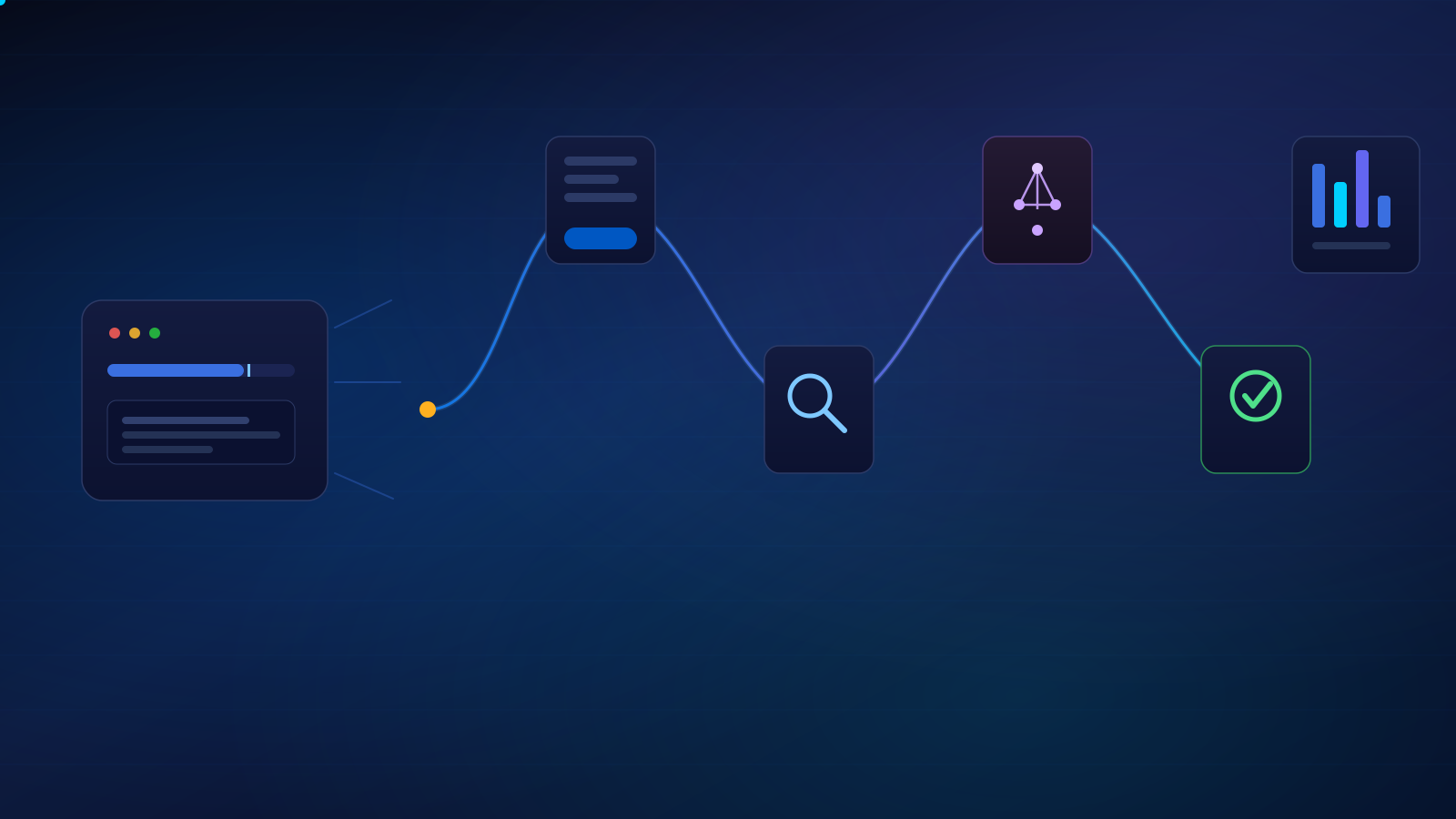
A prompt is a single request that produces a single output — you ask, you get an answer, the interaction ends. A workflow is a repeatable system: it takes the right input, applies instructions and business context, routes work through the right tools, keeps a human involved where judgment matters, and delivers the approved result to where it needs to go.
Why Prompts Alone Do Not Create Leverage
Leverage means doing something once and getting the benefit repeatedly. A great prompt doesn't do that on its own — it still requires a person to open a tab, paste in context, run it, read the output, and manually move that output into whatever tool actually runs the business: the CRM, the CMS, the spreadsheet, the inbox.
That manual bridge is where most "AI adoption" quietly dies. Teams get a burst of speed on the first ten prompts and then the process collapses back into the same headcount-bound bottleneck it always was, because nothing about the surrounding process changed — only the drafting step got faster.
Prompts create moments. Workflows create leverage.
A workflow takes that same well-crafted prompt and wraps it in a process: something triggers it automatically, it pulls the right context without you retyping it, it routes the output to a human at the right checkpoint, and it lands in the system your team already works from. The prompt is still in there — it's just no longer the whole job.
What an AI Workflow Actually Is
In plain English: an AI workflow is a repeatable path that work follows, where AI handles a defined step (or several), a human stays in control of anything with real consequences, and the output lands where your business actually operates — not in a chat log.
Think of it the way you'd think of any other business process: an intake form, a review step, an approval, a handoff. An AI workflow is that same shape, with a model doing part of the labor instead of a person doing all of it. The tools that connect these steps — Make, Zapier, n8n, native API integrations, or even a well-structured Google Workspace automation — matter less than the shape of the process itself. Get the shape right and the tooling is a implementation detail.
The Seven Parts of a Useful AI Workflow
Most durable AI workflows share the same seven components, whether they're built in a no-code automation tool or custom code:
- Trigger — the event that starts the process: a form submission, a new row in a spreadsheet, a scheduled time, a status change in your project manager.
- Inputs & business context — the raw data plus whatever background the AI needs to do the task correctly: brand voice guidelines, a customer's history, prior tickets, target keywords, service area.
- AI instructions & model selection — the actual prompt (or prompt chain), plus the decision of which model fits the task — a fast model for classification and routing, a stronger reasoning model for drafting or analysis.
- Rules & routing logic — the if/then logic that decides what happens next: route by service type, flag by confidence score, escalate by deal size, skip a step if a field is missing.
- Human review & approval — a checkpoint where a person can read, edit, approve, reject, or override the output before anything irreversible happens.
- Destination — where the finished, approved work actually lands: a CRM record, a project management task, a sent email, a populated document, a spreadsheet row, a content queue.
- Measurement & improvement — a way to see whether the workflow is actually working: error rate, time saved, human override rate, and a habit of revisiting it.
Skip step five and you've built an automation that can embarrass you at scale. Skip step seven and you've built something you'll never know is quietly degrading.
Real AI Workflow Examples for Marketing, SEO, and Operations
These aren't hypotheticals — they're the shape of workflows we build into client systems as part of our AI-optimized content and automation work. None of them remove the human decision-maker; all of them remove the repetitive labor around that decision.
1. Lead follow-up
Lead form submission → enrich contact and company data → AI drafts a lead summary → routes into the CRM with priority tagging → AI drafts a personalized follow-up email → human approves (or edits) before it sends.
2. Content production
Content brief → live research pass across current search results and competitor content → AI-generated outline → first draft → automated fact-check pass against source material → human editorial review → approved piece moves into the publishing queue.
3. Performance reporting
GA4 and Google Search Console data pull → AI-generated monthly performance summary → statistically unusual changes (traffic drops, ranking swings, indexation issues) flagged for review → human sign-off → client-ready report is assembled and sent.
4. Client onboarding
New client intake → automated check for missing information (access credentials, brand assets, target locations) → follow-up reminders sent until fields are complete → AI compiles a project intake summary for the delivery team.
How to Choose Your First Workflow to Automate
Do not start by automating your messiest process. Start by mapping what your team actually does in a week, identifying the repetitive parts, and scoring candidates before you build anything. A simple five-point scale per factor works well:
| Factor | What you're scoring |
|---|---|
| Frequency | How often this task happens — daily and weekly tasks pay back faster than quarterly ones. |
| Time cost | How many human-hours it currently consumes per occurrence. |
| Error rate | How often it's currently done wrong or inconsistently by hand. |
| Business impact | What improving speed or consistency here is actually worth. |
| Risk if wrong | How bad it is if the AI-assisted version makes a mistake before a human catches it. |
| Readiness of data & integrations | Whether the systems this touches already have clean data and an API or automation path in — or whether you'd be building that first. |
The best first workflow scores high on frequency, time cost, and readiness — and low on risk if wrong. That's a high-impact, low-risk pilot. Reporting and lead-summary workflows tend to score well here; anything touching money, legal exposure, or a client's reputation should wait until you've proven the process elsewhere first.
Where Humans Still Need to Stay in the Loop
Human-in-the-loop means a person can review, edit, approve, reject, or override an AI-generated output before it triggers something you can't take back — before an email sends, before a payment processes, before a public-facing page goes live. It's not a lack of trust in the model. It's ownership of the outcome.
Good candidates for early automation
- Internal drafts and summaries that a human reviews before anything happens
- Repetitive, well-documented, rules-based processes
- Reporting and monitoring, where the AI flags and a human decides
- First-pass research and outlining that a person still edits
What not to automate first
- Financial decisions or anything that moves money
- Legal, medical, or compliance-sensitive recommendations
- Reputation-sensitive responses — public replies, reviews, PR — without approval
- Complex, messy processes that aren't documented yet
- Any workflow where nobody is clearly responsible for quality control
Build One Useful Workflow Before You Build an AI Empire
The businesses that get burned by AI aren't the cautious ones — they're the ones that tried to automate everything at once, on top of an undocumented process, with no one checking the output. The businesses that get real leverage pick one repetitive, well-understood, low-risk task, wire it into a real workflow with a human checkpoint, measure it for a month, and only then move to the next one.
You don't need an AI strategy document. You need one workflow that actually runs, that someone owns, and that you can point to and say: this used to take three hours a week, now it takes fifteen minutes of review.
Ready to turn your best prompts into a real workflow?
We run AI workflow audits for marketing teams, SEO operations, and agencies — mapping your repetitive work and identifying the first automation worth building.
Request an AI Workflow Audit →Ready to put this into practice? Read How to Find the Best AI Workflows for Your Business for a step-by-step way to identify, score, and map your first workflow. For more on how AI is reshaping search itself, see how we approach AI-optimized content strategy, or browse more breakdowns in the SEO Info Vault. You can also see this kind of systems thinking applied to full client builds in our portfolio.